Introduction
Detecting malware in a WordPress website at an early stage is very important for protecting your data, SEO rankings, and business reputation. Malware can silently infect your website and spread before you even notice it.
If you want to detect malware in WordPress website, you need to understand the early warning signs and regularly monitor your site for suspicious activity.
If you are facing serious issues, you can also check our WordPress Malware Removal Guide:
What is Malware in WordPress Website?
Malware is harmful code injected into your website by hackers. It usually enters through outdated plugins, vulnerable themes, or weak login credentials.
According to WordPress security guidelines, keeping your website updated is the first step to prevent attacks:
Why You Should Detect Malware in WordPress Website Early
It is very important to detect malware in WordPress website early because delays can lead to serious damage. A small infection can quickly spread across your website and affect your SEO rankings.
Search engines like Google may even flag infected websites, which reduces traffic and trust. You can learn more about safe browsing and hacked site policies here:
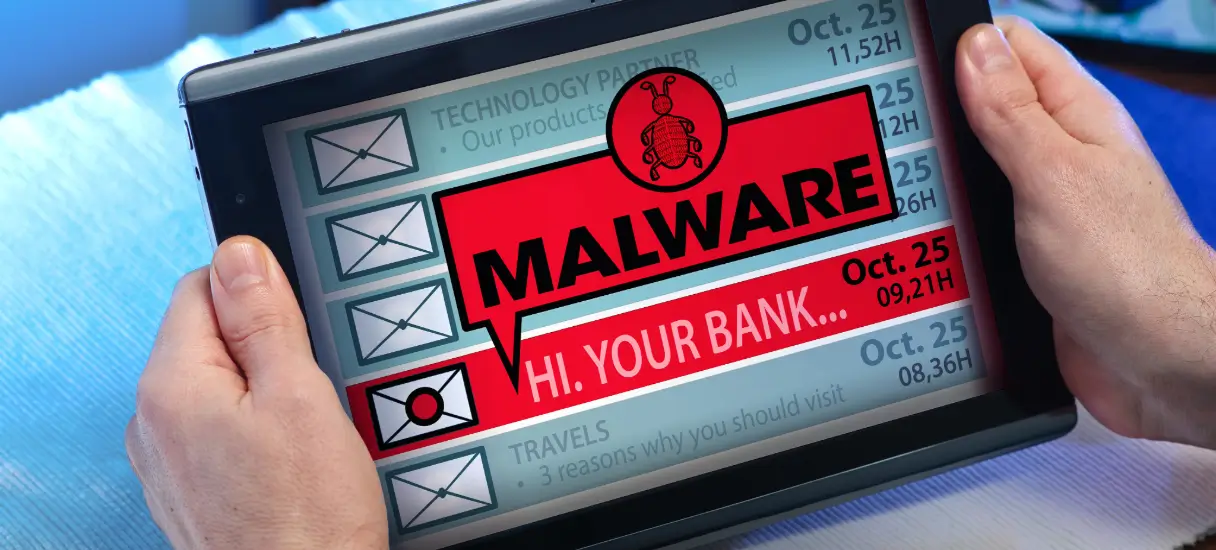
Early Warning Signs of Malware in WordPress Website
One of the most common signs is a sudden drop in website traffic. If your visitors decrease without any reason, it could indicate a security issue.
Another warning sign is unexpected redirects where users are sent to spam or unrelated websites. This often happens when malware modifies your website code.
You may also notice unknown files, plugins, or admin users in your WordPress dashboard. These changes should never be ignored.
Slow website performance is another major indicator because malware consumes server resources and affects loading speed.
If Google shows warnings like “This site may be hacked,” it is a strong signal that your website is infected.
You can also read our WordPress Security Checklist for prevention:
How to Confirm Malware in WordPress Website
To confirm malware in WordPress website, you should scan your website using security tools. A trusted plugin like Wordfence can help detect infected files and suspicious activity.
Where Malware Usually Hides
Hackers often hide malware inside WordPress core files, plugin folders, or theme files. Sometimes, malicious code is injected into the database, especially in posts or hidden scripts.
That is why regular monitoring and security checks are very important for website protection.
How Malware Affects Your Website
If you fail to detect malware in WordPress website on time, it can cause serious damage. Your website may get blacklisted by search engines, leading to a major drop in traffic.
It can also damage your brand reputation and reduce user trust. In some cases, recovery becomes difficult if the infection spreads too far.
How to Prevent Malware Infection
To prevent malware, always keep WordPress core, plugins, and themes updated. Avoid using nulled or pirated plugins because they often contain hidden malicious code.
Using strong passwords and enabling two-factor authentication can significantly reduce risk. Installing a firewall or security plugin also helps block attacks before they reach your website.
Learn more in our WordPress Malware Removal Guide:
Conclusion
Learning how to detect malware in WordPress website is essential for keeping your online business safe. Early warning signs like traffic drops, unknown files, and redirects should never be ignored.
Regular monitoring, updates, and security practices can protect your website from serious damage.
Need Help?
If your website is infected or showing signs of malware, professional help can save time and prevent further damage.
Contact us for WordPress security and malware removal support: