Introduction
Website security issues often go unnoticed until serious damage is done. Many website owners do not realize their site is infected until it starts affecting traffic, performance, or user experience.
Understanding the signs your WordPress website is infected with malware can help you detect problems early and take action before things get worse. Since WordPress is widely used, it is also a common target for attackers. According to the WordPress Foundation, maintaining proper security practices is essential for protecting your site.
This guide will help you identify the most common warning signs of malware infection.
Sudden Drop in Website Traffic
One of the earliest signs your WordPress website is infected with malware is a sudden drop in traffic. If your site gets flagged by search engines, it may be removed or pushed down in rankings.
This usually happens when malicious content, spam pages, or harmful scripts are detected. If you notice a sharp decline in visitors without any clear reason, it is worth checking your website for security issues.
Website Redirecting to Unknown Pages
If your website starts redirecting visitors to unknown or suspicious websites, it is a strong indication of malware infection.
These redirects are often inserted into your website files or database without your knowledge. Visitors may land on spam pages, fake ads, or phishing sites, which can damage your credibility.
Unexpected Pop-ups and Spam Content
Another common sign your WordPress website is infected with malware is the appearance of unwanted pop-ups or spam content.
You may see random ads, hidden links, or content that you did not create. In some cases, hackers inject spam keywords into your pages to manipulate search rankings.
Slow Website Performance
Malware can significantly slow down your website. If your site suddenly becomes sluggish, takes longer to load, or consumes more server resources, it could be due to malicious scripts running in the background.
Performance issues are not always related to hosting or design; sometimes they indicate deeper security problems.
Login Issues or Unauthorized Access
If you are unable to log in to your admin panel or notice unknown users with admin access, your website may have been compromised.
Attackers often create hidden accounts to maintain access even after initial entry. This makes it easier for them to control your website without being detected.
Security tools recommended by Wordfence can help monitor login activity and detect suspicious behavior.

Google or Browser Warnings
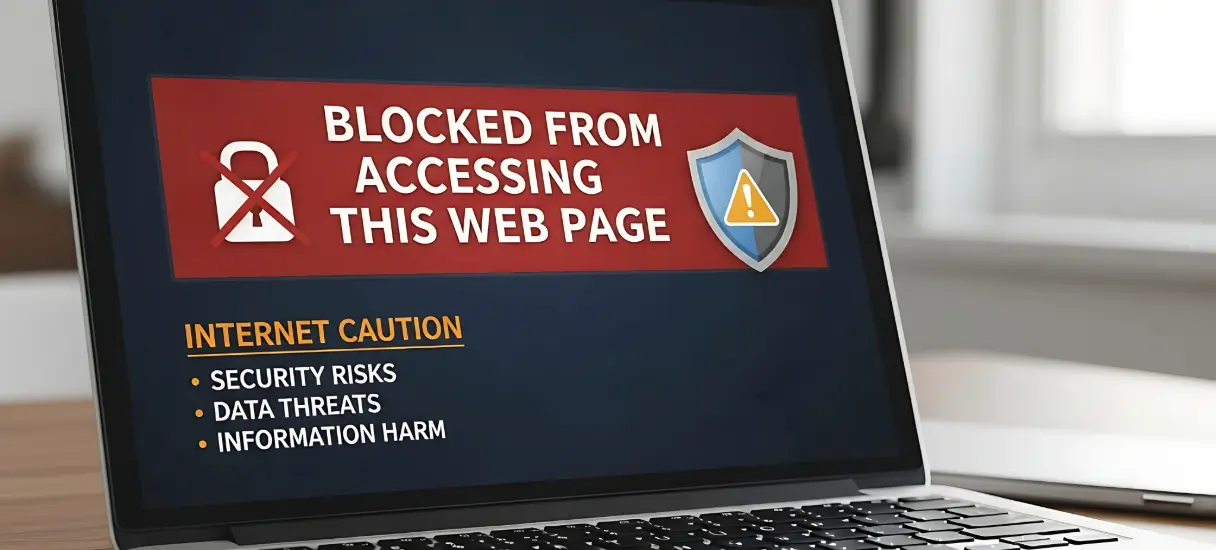
Sometimes, browsers or search engines display warnings when users try to access your website. Messages like “This site may be hacked” or “Deceptive site ahead” are clear signs of malware infection.
These warnings can reduce trust and cause visitors to leave immediately.
Files or Code Changes Without Your Knowledge
If you notice changes in your website files, themes, or plugins that you did not make, it could be due to malware.
Hackers often modify core files or inject code to maintain access and execute malicious actions.
Emails or Spam Sent from Your Website
If your website starts sending spam emails without your permission, it may be infected. This can also lead to your domain being blacklisted, affecting your email deliverability.
What You Should Do Next
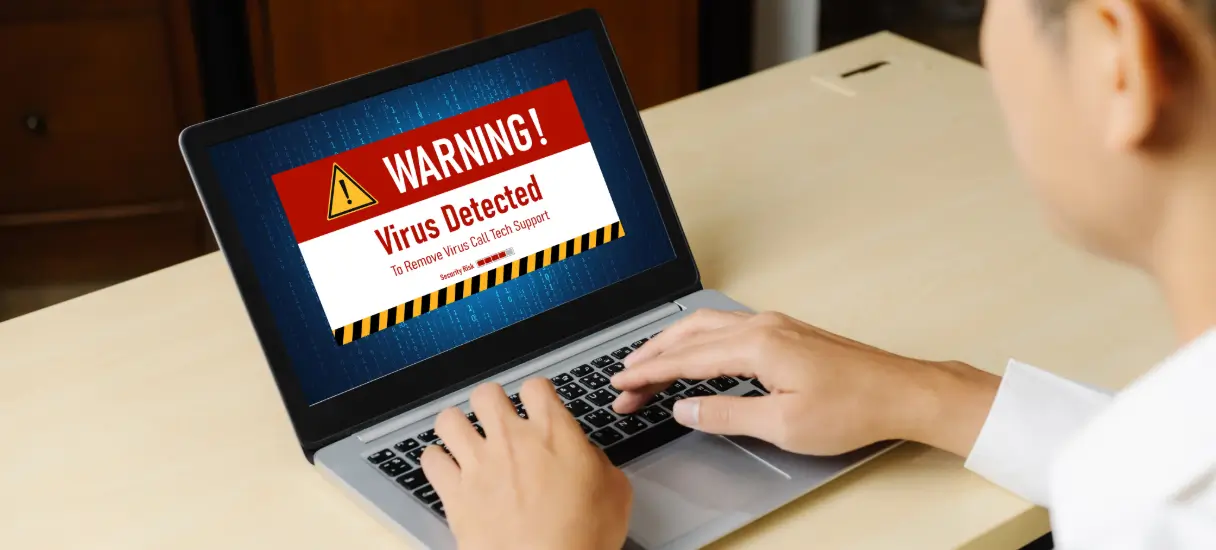
If you notice any of these signs your WordPress website is infected with malware, it is important to act quickly. Ignoring the problem can lead to data loss, SEO damage, and loss of user trust.
Start by scanning your website and identifying infected areas. You can check your website wpwebsupport:
Conclusion
Recognizing the signs your WordPress website is infected with malware is the first step toward protecting your site. Early detection can save you from major issues and help you fix problems before they escalate.
Regular monitoring, updates, and security measures play a key role in keeping your website safe.
Need Help Fixing Your Website
If you are unsure how to handle malware or want a professional cleanup, it is better to take action quickly.
Contact us here:
https://wpwebsupport.com/contact-us/
Our team can detect, remove, and secure your website to prevent future attacks.